











AI Crying Filter
AI Crying Filter - Transform facial expressions to appear emotionally distressed with realistic tear effects and sorrowful appearance.
Generated results will appear here
After submitting a task, AI-generated content will be displayed here
Example Gallery
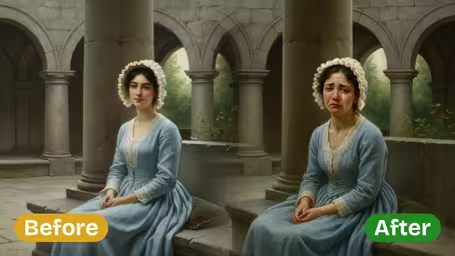



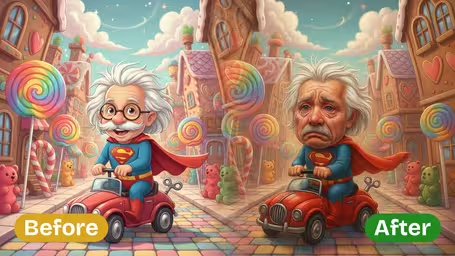



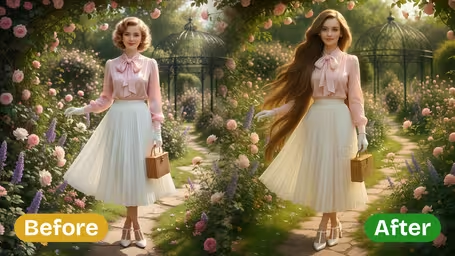

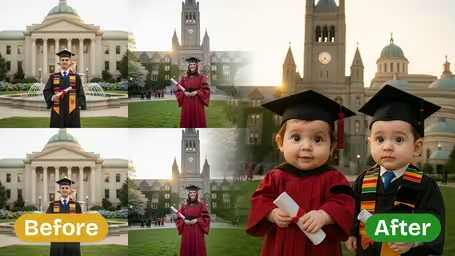
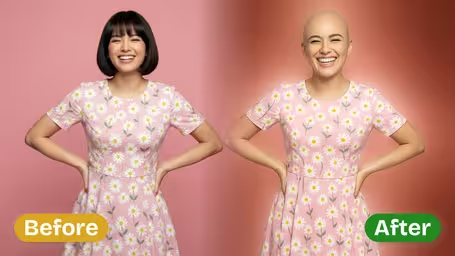
Key Features of Img2Video’s AI Crying Filter
Turn any face in your photo into a convincingly crying portrait in seconds with Img2Video’s AI-powered crying filter, complete with lifelike tears and natural-looking emotional effects.
Add Crying Effects to Any Photo
Drop any photo into the tool and instantly add realistic crying expressions to any face, whether you’re building a heartfelt emotional scene or a funny, viral tear-filled moment.
Genuine Tears and Natural Facial Details
Our AI generates smoothly flowing tears and subtle authentic facial changes that blend seamlessly with your original photo, for a soft, convincing effect that looks completely real.
Simple, Fast Filter Application
Just upload your photo, tweak your preferred settings, and apply the filter in seconds — no advanced editing skills or fancy tools required to get a great result.
Create Realistic Sad Photos With Img2Video’s AI Crying Filter: Step-by-Step Guide
Our easy walkthrough shows you how to use Img2Video’s AI-powered crying filter to add lifelike tear effects to any uploaded photo in seconds.
Upload Your Photo of Choice
Pick any photo you want to enhance with crying effects and upload it to the Img2Video platform. Our AI automatically analyzes facial features to prepare for natural, realistic tear generation.
Tips: For the most believable end result, use sharp, high-resolution photos with a clear view of the subject’s face.
Choose Aspect Ratio and Adjust Effects
Select an output aspect ratio that fits your planned use case, then tweak available settings to fine-tune how the crying filter looks on your photo.
Tips: Test different ratios to ensure your crying effect fits perfectly whether you’re posting to social media or printing your finished image.
Save or Share Your Finished Crying Photo
After the AI finishes adding your realistic tear effects, you can download your new crying photo straight to your device or share it directly to friends on social media.
Tips: Save multiple versions of your image if you plan to use it across multiple different platforms.
AI Crying Filter FAQ
Get answers to all your frequently asked questions about our AI-powered crying filter, which adds realistic tear effects to any photo. Here you’ll learn how to upload images, get great results, and fix common issues with this one-of-a-kind photo effect.
Flexible AI Pricing
Pay-as-you-go credits or subscription plans. No hidden fees, cancel anytime.