







Pokemon Generator
Pokemon Generator - Transform your photos into cute Pokémon-style creatures with simplified cartoon anatomy and vibrant colors.
Generated results will appear here
After submitting a task, AI-generated content will be displayed here
Example Gallery
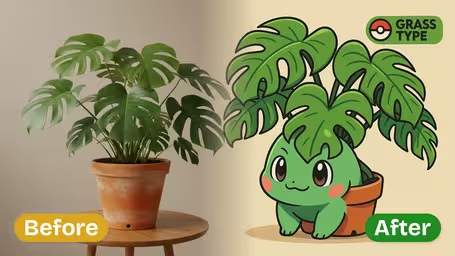
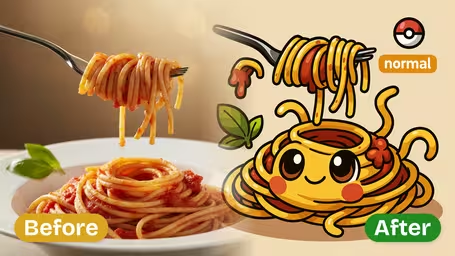
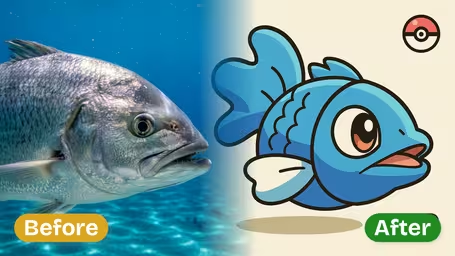
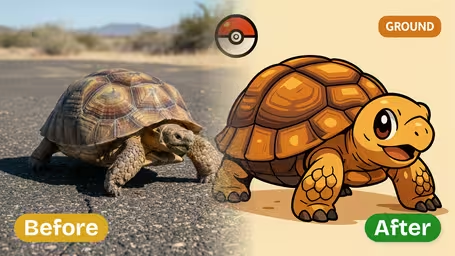
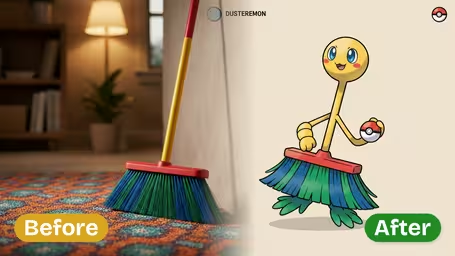
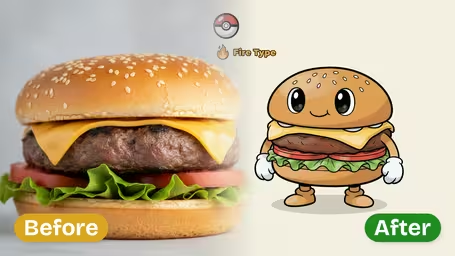
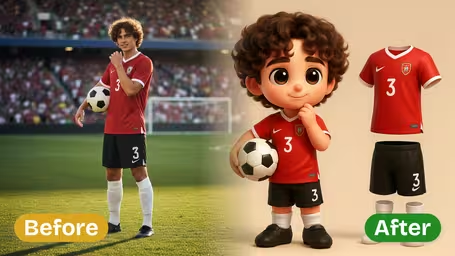
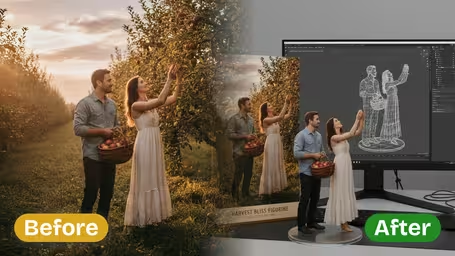
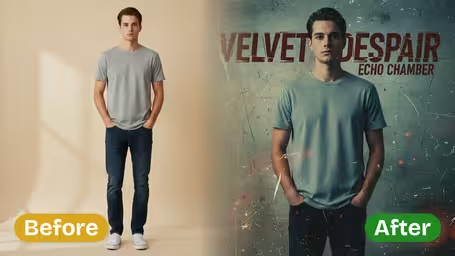
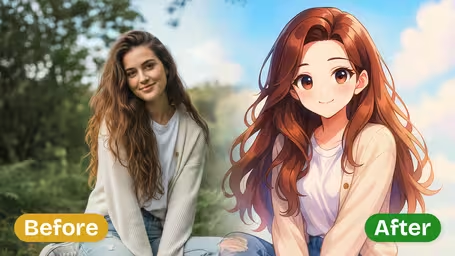
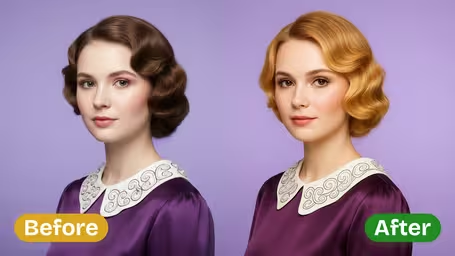
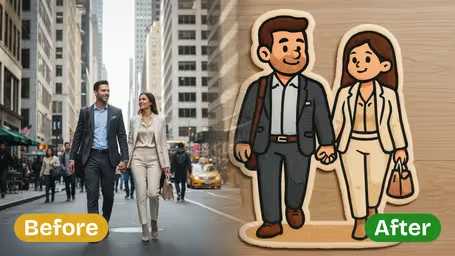
Key Features of Img2Video’s AI Pokemon Generator
Turn any uploaded photo or image into stunning, eye-catching custom Fakemon in minutes with Img2Video’s powerful AI Pokemon Generator, built for simple, fun creative results.
Turn Any Image Into a One-of-a-Kind Fakemon
Drop in any personal photo or digital art piece, and our cutting-edge AI instantly re-imagines your content as an original Pokemon-style character, fully immersed in the whimsical world of Pokemon.
Crisp, Authentic Pokemon-Style Final Results
Get crisp, vivid results that keep all the key details from your original image, while adding iconic Pokemon traits and vibrant, on-brand visual effects for a genuine, true-to-fandom Fakemon aesthetic.
No-Fuss Upload and Instant Generation
You don’t need fancy editing software or advanced skills—just upload your image, and our AI seamlessly turns it into a custom Fakemon in seconds, giving you instant creative fun with zero hassle.
Turn Any Picture Into a Custom Fakemon: Step-by-Step Guide to Img2Video’s AI Pokemon Generator
Our easy 3-step walkthrough shows you how to upload your image, create beautiful custom Pokemon effects, and craft one-of-a-kind Fakemon art in seconds with Img2Video.
Upload Your Source Image For Fakemon Conversion
Pick any photo or digital art piece you want to turn into a custom Fakemon. Just tap the upload button and select your file from your device to kick off the process.
Tips: Sharp, high-res images give the AI more detail to work with, leading to far better final results.
Get Instant Custom Pokemon Effects
Once your image is uploaded, just hit generate. Img2Video’s cutting-edge AI applies signature creative Pokemon styling, transforming your original photo into a bright, vivid Fakemon that retains all the core character of your starting image.
Tips: Try out different types of source images to see just how varied and creative each custom Fakemon can turn out.
Save Or Share Your Finished Custom Fakemon
After the AI finishes transforming your image into a custom Pokemon creation, preview your new Fakemon. If you love how it turned out, save it straight to your device or share it directly with friends right from the platform.
Tips: Save your Fakemon in multiple file formats if you want to post it to social media or use it for a personal creative project.
Frequently Asked Questions: AI Pokemon Generator
Get all the answers you need for common questions about our AI Pokemon Generator, from uploading source images to creating custom fakemon and sharing your finished styled creations.
Flexible AI Pricing
Pay-as-you-go credits or subscription plans. No hidden fees, cancel anytime.