











AI Fat Filter
AI Fat Filter - Apply weight gain effect with natural body proportion changes, realistic weight transformation, maintained facial feature harmony, natural body contour adjustment, body image transformation, authentic weight visualization, proportional scaling effect.
Generated results will appear here
After submitting a task, AI-generated content will be displayed here
Example Gallery
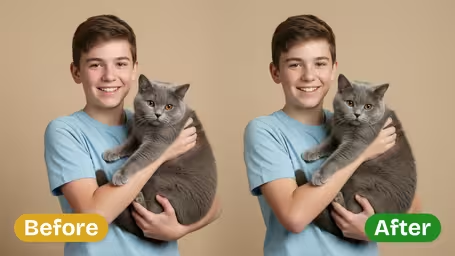
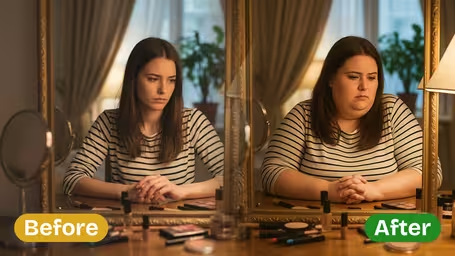
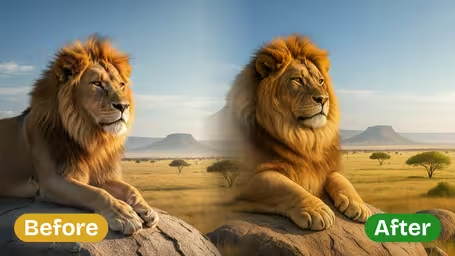
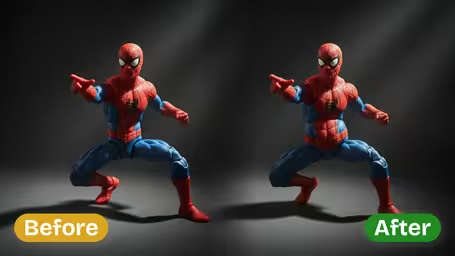







Key Features of Img2Video’s AI Fat Filter
Discover how Img2Video’s AI-powered fat filter instantly transforms any subject photo into a naturally chubbier, authentically rendered version, with seamless body adjustments perfect for fun, creative sharing moments.
Instant Realistic Fat Body Transformations
Just upload any subject photo to get a lifelike fat transformation instantly. Img2Video’s AI fine-tunes body proportions to visualize a range of weight change looks with stunningly realistic image effects.
Authentic AI-Powered Weight Gain Effects
Enjoy remarkably authentic weight gain visuals every single time. The filter adjusts body shapes naturally, ensuring your subject’s image retains all its original realistic texture and fine detail while delivering a convincing weight increase.
Instant Fun Ready for Social Sharing
Add playful chubby morphs to any photo in seconds, ideal for creating big laughs and good times with friends and family. Share your one-of-a-kind transformed images to make unforgettable social moments.
Step-by-Step Guide: Using Img2Video’s Fat Filter to Create Fun Chubby Body Effects for Photos
Our straightforward walkthrough shows you how to upload any photo and get lifelike fat filter results that adjust body proportions and weight perfectly for playful, shareable content.
Upload the source photo of the subject you want to transform
Pick any clear photo of the person or subject you want to adjust with the fat filter, and upload it to the tool. For the most natural-looking transformation, make sure the entire face and body are visible in the frame.
Tips: High-quality, evenly lit photos will give you much more realistic-looking weight adjustment results.
Let Img2Video’s AI generate your lifelike fat filter effect
Give our AI a few seconds to process your uploaded image. It will instantly adjust the body’s proportions to add realistic-looking weight gain with completely natural results.
Tips: Don’t navigate away or refresh the page while processing to get a smooth, complete effect every time.
Save or share your finished chubby body photo
When the transformation finishes, you can download your new chubby photo to save locally, or share it directly online with friends for a fun laugh. The realistic body adjustments create memorable, funny results every time.
Tips: Add a playful caption when sharing to social media to make your funny transformation even more engaging for your followers.
FAQ: AI Fat Filter
Get answers to all your most common questions about using an AI fat filter to create playful, chubby, fun photo edits.
Flexible AI Pricing
Pay-as-you-go credits or subscription plans. No hidden fees, cancel anytime.