




AI Caricature Maker
AI Caricature Maker - Transform your photos into highly detailed digital caricature illustrations with exaggerated facial proportions and cartoonish expressiveness.
Generated results will appear here
After submitting a task, AI-generated content will be displayed here
Example Gallery
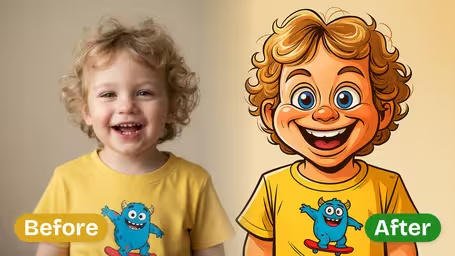
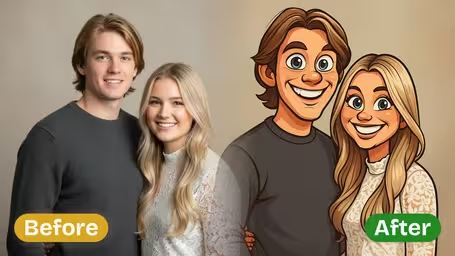
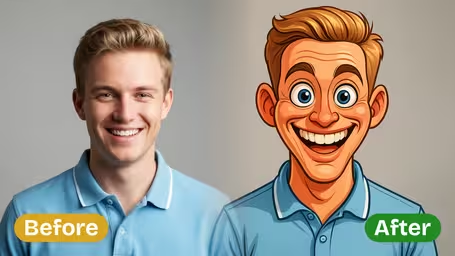
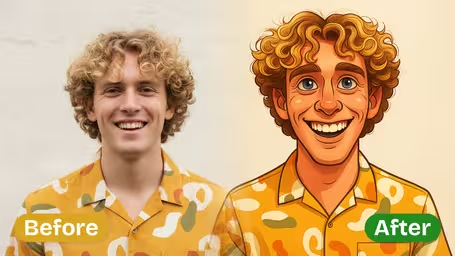
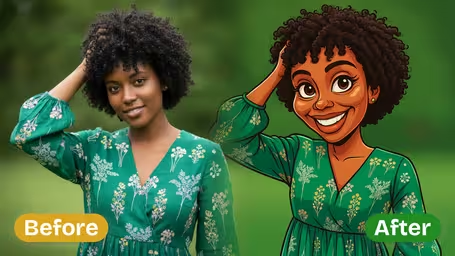
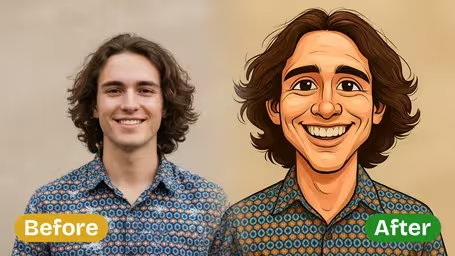
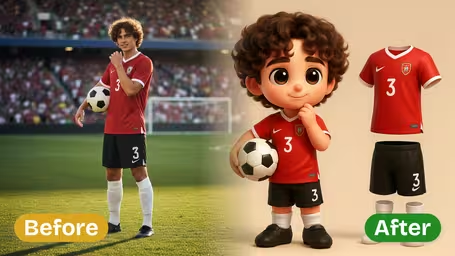
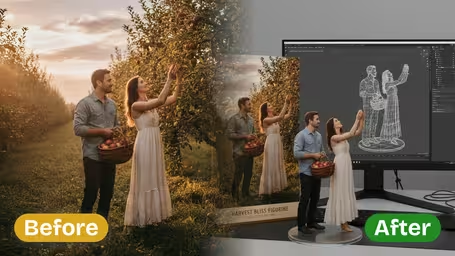
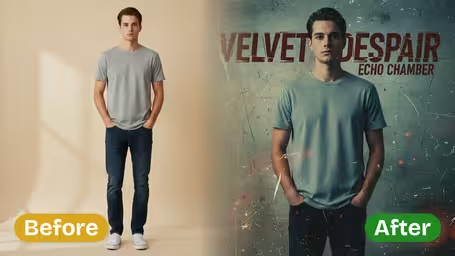
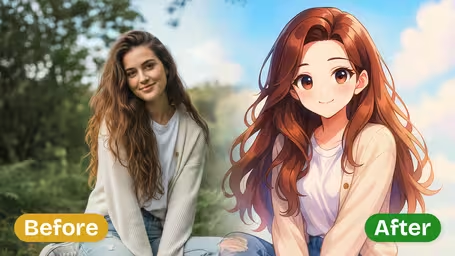
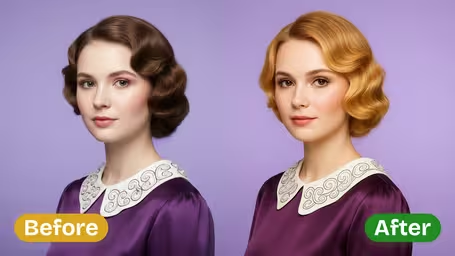
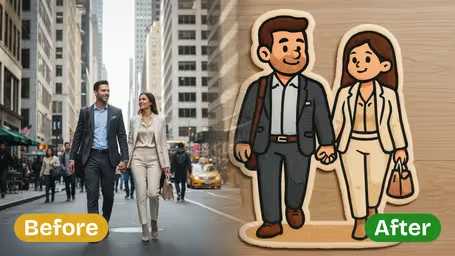
AI Caricature Maker Features
See how Img2Video’s free AI caricature maker turns your uploaded photos into fun, sharp, one-of-a-kind caricatures that still keep your original facial features recognizable.
Transform Photos into Playful Caricatures
Turn any photo you upload into a bright, playful caricature in just seconds with Img2Video’s AI tool – great for spicing up social profiles, making memorable custom gifts, or adding a fun twist to any portrait.
High-Quality Output Every Time
Every caricature you create comes out with clean lines, vivid colors, and sharp clarity, so you can share it online with pride or print it out to keep and enjoy for years.
Facial Features Maintained
Our AI scans your original photo to keep your signature expressions, natural skin tone, and one-of-a-kind facial traits, so your finished caricature still looks like you and feels totally personal.
Simple Guide: Using the Free Img2Video AI Caricature Photo Maker
Get started making custom, high-quality caricatures in minutes with this easy walkthrough of the free Img2Video AI Caricature Maker.
Upload a Clear High-Resolution Photo
Pick a well-lit, high-resolution photo of yourself or your chosen subject to turn into a caricature, then upload it to the tool. Sharp, clear input lets the AI retain key facial details and deliver a bright, eye-catching finished result.
Tips: Skip blurry or dark photos to guarantee your final caricature stays crisp and instantly recognizable.
Generate Your Custom Caricature
Kick off the generation process with Img2Video’s tool. The AI will rework your photo into a one-of-a-kind playful caricature, all while keeping the subject’s most recognizable features intact.
Tips: Try uploading multiple different photos to test out a range of fun caricature styles.
Review, Download, and Share
Look over your finished caricature to confirm it meets your expectations. Once you love the result, download the high-resolution file for free, then share it with friends or post it across your social media.
Tips: Save multiple versions to use for different occasions or update your profile pictures whenever you want.
AI Caricature Maker FAQ
Got answers to common questions about our free AI caricature maker? This page covers all the most frequent queries about turning your favorite photos into playful, one-of-a-kind caricatures.
Flexible AI Pricing
Pay-as-you-go credits or subscription plans. No hidden fees, cancel anytime.