






Buzz Cut Filter
Buzz Cut Filter - Transform your hairstyle to an extremely short, neat trimming effect with clear head contour definition and military-style aesthetic.
Generated results will appear here
After submitting a task, AI-generated content will be displayed here
Example Gallery

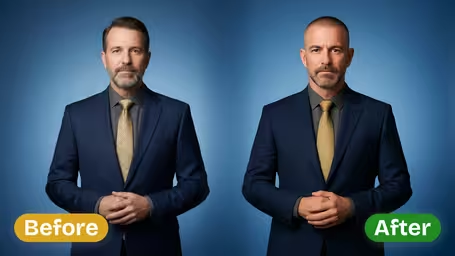
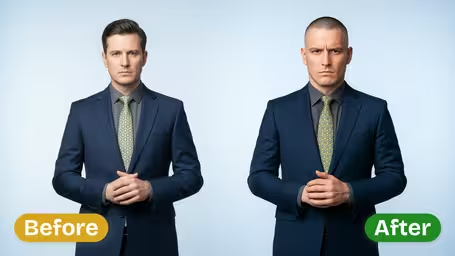
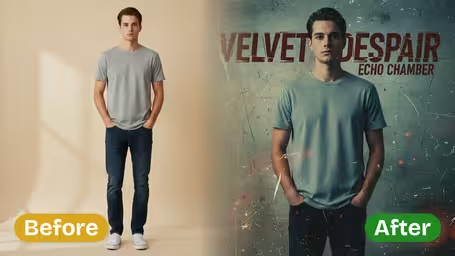
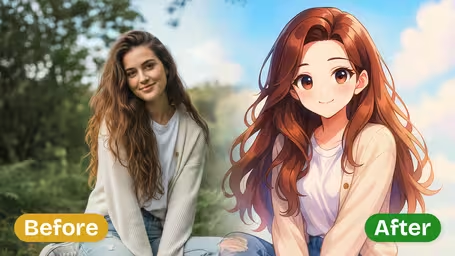
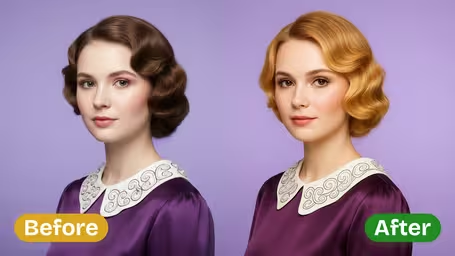
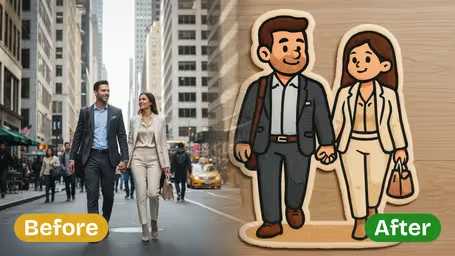
AI Buzz Cut Filter: Key Features
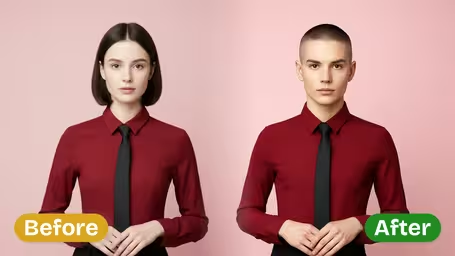
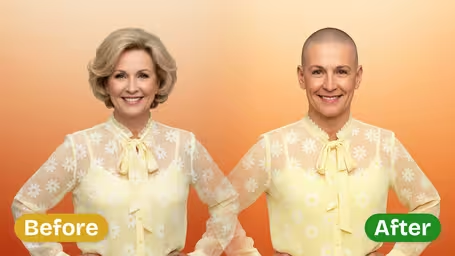
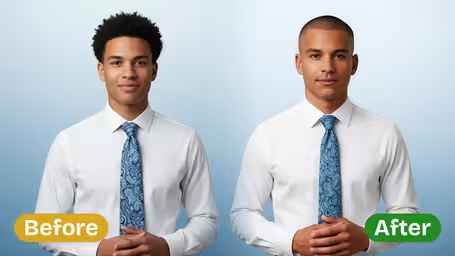
See how Img2Video’s AI-powered Buzz Cut Filter gives any photo a sharp, confident buzz cut hairstyle with stunning realistic detail — perfect for testing a new look before committing, spicing up social posts, or rocking a bold new vibe.
Rock a Sharp, Low-Fuss Buzz Cut Look
Test out a fresh buzz cut without stepping foot in a barbershop with Img2Video’s AI filter. Our tool overlays a hyper-realistic buzz cut onto your photo, leaving you with a bold, easygoing style that’s perfect for previewing new looks or giving your portraits a modern, polished update.
Stand Out On Social With A Striking Buzz Cut
Give your social media feed a fresh boost by adding an eye-catching buzz cut effect to your photos. Img2Video’s AI generates crisp, high-quality images ready to share that turn heads and highlight your confidence, instantly elevating your Instagram or TikTok presence.
A Confident Buzz Cut For Anyone
Anyone can test out a bold buzz cut look, no matter your gender or age. Img2Video’s AI Buzz Cut Filter blends seamlessly with your unique facial features while preserving authentic hair texture, creating sharp, confident personalized portraits completely free.
Get a Bold Buzz Cut Look For Your Photo With Img2Video’s Free Filter: Step-by-Step Guide
Our simple quick guide walks you through turning your existing photo into a realistic buzz cut style with Img2Video’s free filter. Score a sharp, confident new look ideal for sharing across all your social channels, 100% free.
Upload Your Original Photo
Pick and upload a clear, straight-on headshot to Img2Video’s buzz cut filter tool. A high-quality source photo will give you the most natural, convincing bold end result.
Tips: An evenly lit shot with no harsh dark shadows will give you the cleanest, most believable buzz cut effect.
Apply the Buzz Cut Filter
Hit the Create button and let Img2Video’s AI add the buzz cut effect to your image. Our artificial intelligence generates a crisp, confident cut that blends seamlessly with your unique facial features.
Tips: Test out a few different bold buzz cut variations to find the style that fits your vibe best before sharing to social.
Download or Share Your Bold Buzz Cut Photo
When your new buzz cut photo is finished generating, save it directly to your device or share it straight to your favorite social platforms to show off your fresh cut.
Tips: Posting your new look right to social will get you more engagement from friends and followers loving your modern, fresh buzz cut style.
AI Buzz Cut Filter FAQ
Find answers to all your most common questions about the AI Buzz Cut Filter, which lets you create realistic, bold buzz cut portraits perfect for social media sharing or personal previewing.
Flexible AI Pricing
Pay-as-you-go credits or subscription plans. No hidden fees, cancel anytime.