











AI 3D Pop-Out Effect
AI 3D Pop-Out Effect Generator - Transform your photos into stunning 3D pop-out effects where subjects appear to emerge from smartphone screens with realistic depth and shadows.
Generated results will appear here
After submitting a task, AI-generated content will be displayed here
Example Gallery
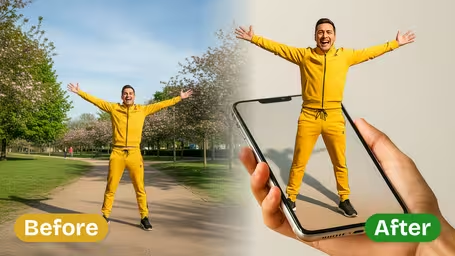
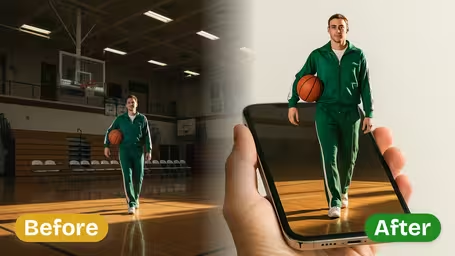
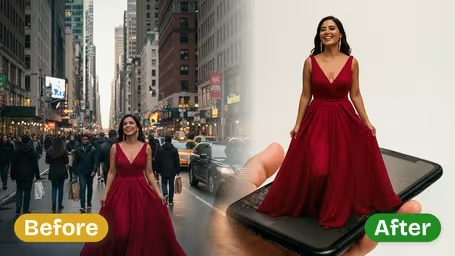
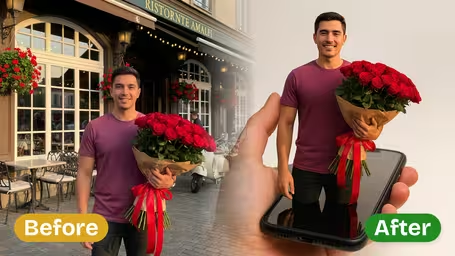
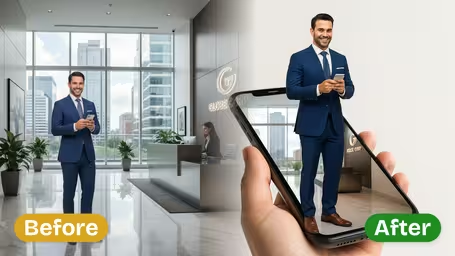
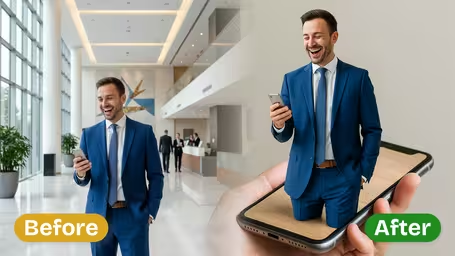
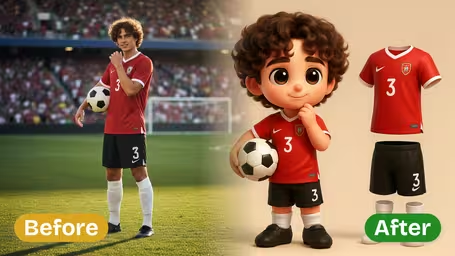
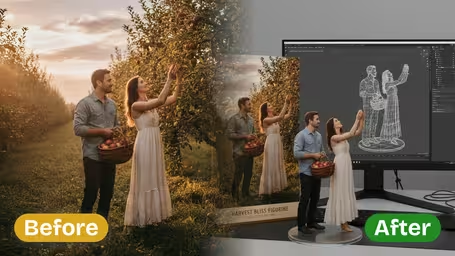
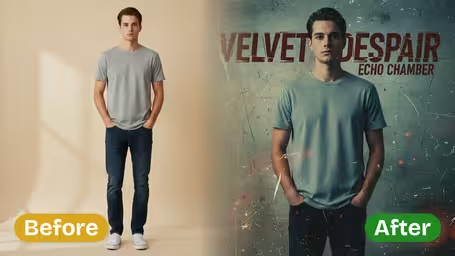
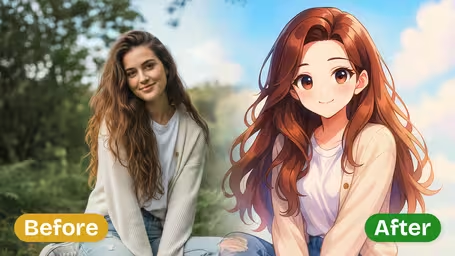
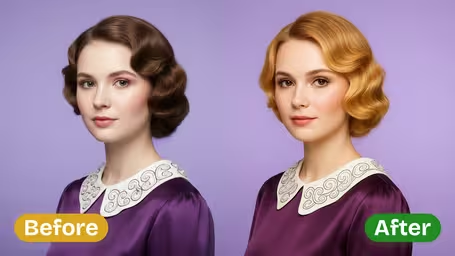
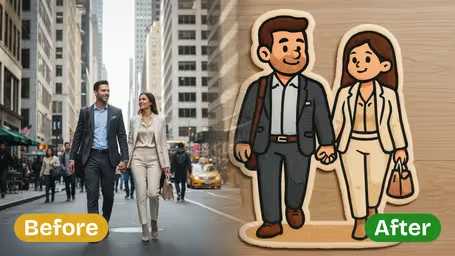
Features of Img2Video's AI 3D Pop-Out Effect
See how Img2Video’s AI-powered 3D pop-out effect turns any ordinary photo into a jaw-dropping 3D visual, adding natural depth, keeping every subject detail intact, and delivering one-of-a-kind results all with a single click.
Stunning, Lifelike 3D Pop-Out Image Generation
Convert any flat 2D photo into an attention-grabbing 3D pop-out image with natural, realistic depth. Our AI maps every subject in your shot to create the illusion that it’s literally stepping forward off the screen.
Instant One-Click 3D Conversion for Any Photo
All you need to do is upload your photo and click once to get a bright, vivid 3D pop-out effect right away. No prior design experience or advanced editing know-how is needed at all.
Precise Retention of All Subject Details
Keeps your subject’s original features, edges, and unique identifying characteristics fully intact while adding a dramatic pop-out effect that leaves you with a lifelike, instantly recognizable final image.
Make Eye-Catching 3D Pop-Out Images With Img2Video’s AI Effect In Minutes
Our easy step-by-step walkthrough lets you upload your photo, enable Img2Video’s 3D pop-out AI effect, and save a dynamic image where your main subject jumps right off the screen.
Upload Your Clear, High-Quality Original Photo
Begin by picking and uploading a sharp photo where your main subject stands out clearly from its background. Img2Video’s AI automatically identifies your subject to get it ready for the 3D pop-out transformation.
Tips: Opt for a well-lit shot with a simple, uncluttered background to get the most dramatic, eye-catching 3D pop-out result.
Trigger the AI 3D Pop-Out Effect With One Click
Once your photo finishes uploading, just tap the create button to let Img2Video instantly build your 3D pop-out image. The tool leverages cutting-edge AI to add realistic depth that makes your subject pop.
Tips: If multiple style options are available, preview a few variations to pick the pop-out look that complements your photo best.
Preview and Save Your Finished 3D Pop-Out Image
Look over the generated pop-out image to confirm all your subject’s unique details are kept intact. When you’re happy with how it looks, download the final file straight to your device.
Tips: Save both a high-resolution version for printing and a web-optimized version so you can share your new pop-out photo anywhere.
Frequently Asked Questions: AI 3D Pop-Out Effect
Get answers to all your most common questions about creating eye-catching 3D pop-out images from your photos with our AI-powered pop-out effect tool.
Flexible AI Pricing
Pay-as-you-go credits or subscription plans. No hidden fees, cancel anytime.