









🚀 Motion Control, Leveled Up Newly upgraded Motion Control is now live in Kling VIDEO 2.6! Experience precise, full control over every action & expression ✅ Full-Body Motions — Body movements captured in stunning detail ✅ Fast & Complex Actions — From martial arts to Show more


Kling 2.6 Motion Control 무제한 비디오 생성기
참조 클립에서 움직임을 추출해 정지 이미지를 역동적인 비디오로 바꿔줍니다. 캐릭터 이미지와 모션 참조 비디오(댄스, 액션, 제스처)를 업로드하면 Kling 2.6 Motion Control이 움직임 패턴을 추출해 부드럽고 사실적인 애니메이션 비디오를 만들어냅니다. 스탠다드와 프로 버전으로 제공되며 최대 30초 길이의 비디오 생성을 지원합니다.
참조 이미지*
모션 참조 비디오*
생성된 결과가 여기에 나타납니다
작업을 제출한 후 AI가 생성한 콘텐츠가 여기에 표시됩니다
공개
Motion Control 데모 예시
Kling 2.6 Motion Control이 참조 비디오의 모션을 추출해 정지 이미지를 생동감 있게 움직이는 모습을 확인하세요
Input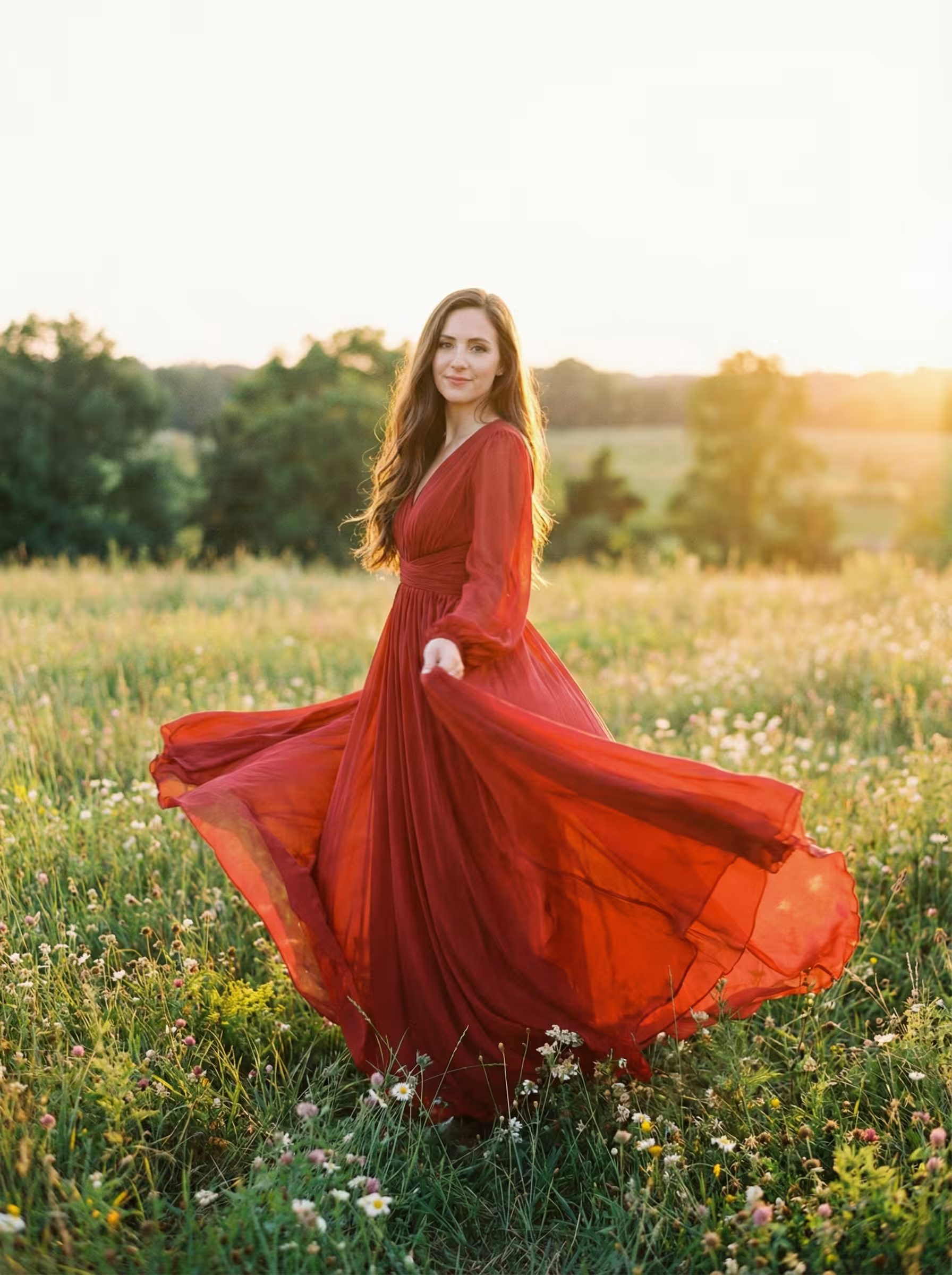 SubjectMotion Ref
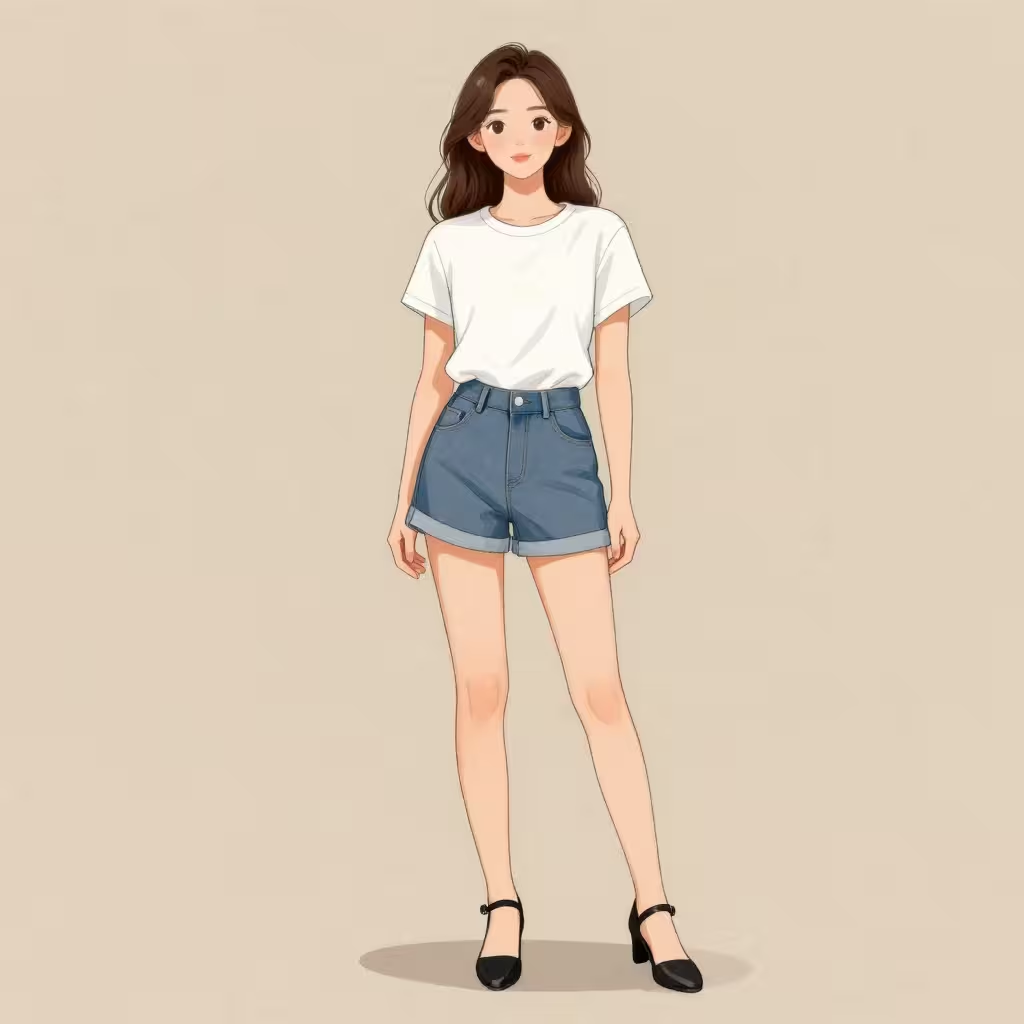 SubjectMotion Ref
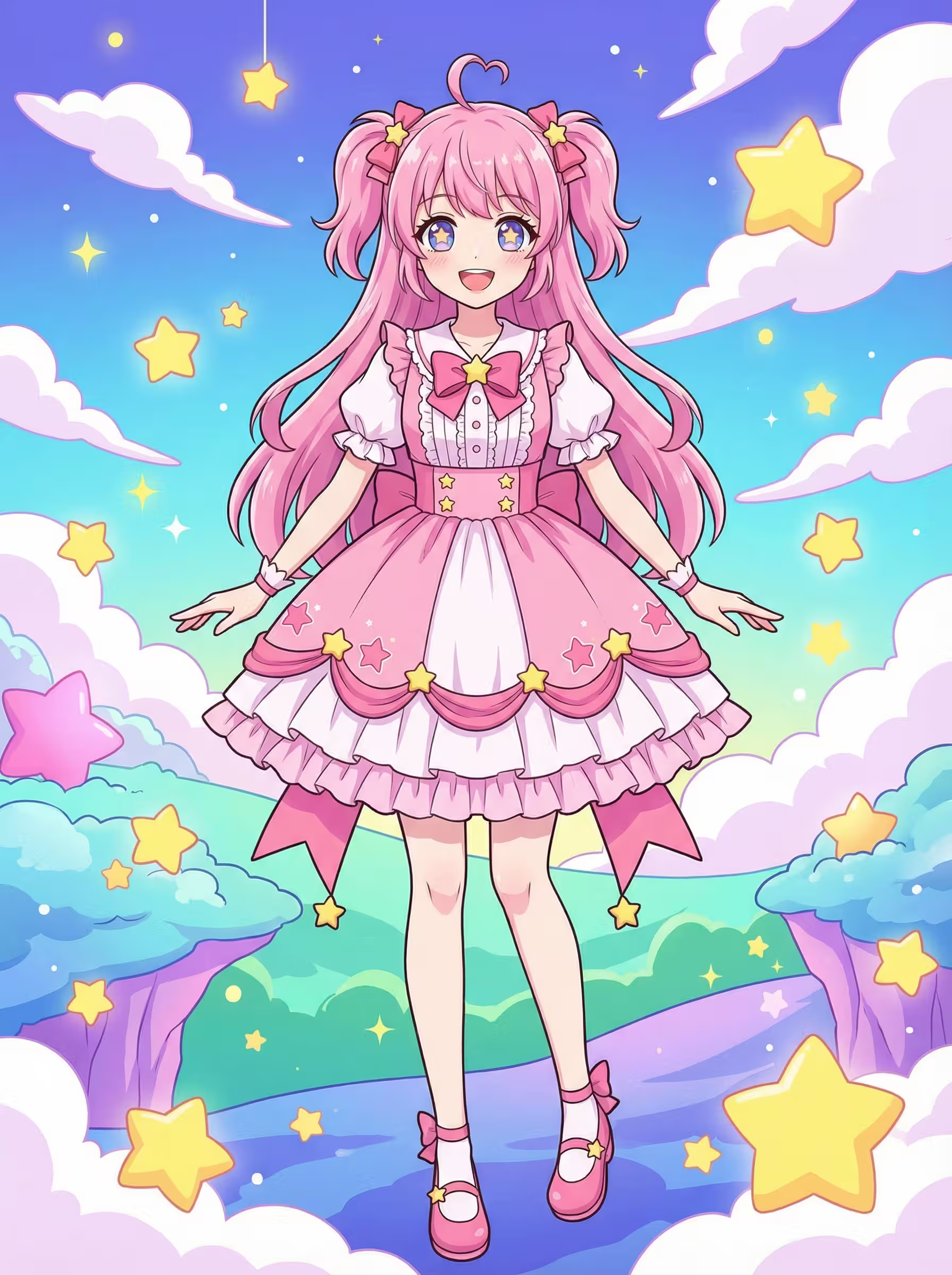 SubjectMotion Ref
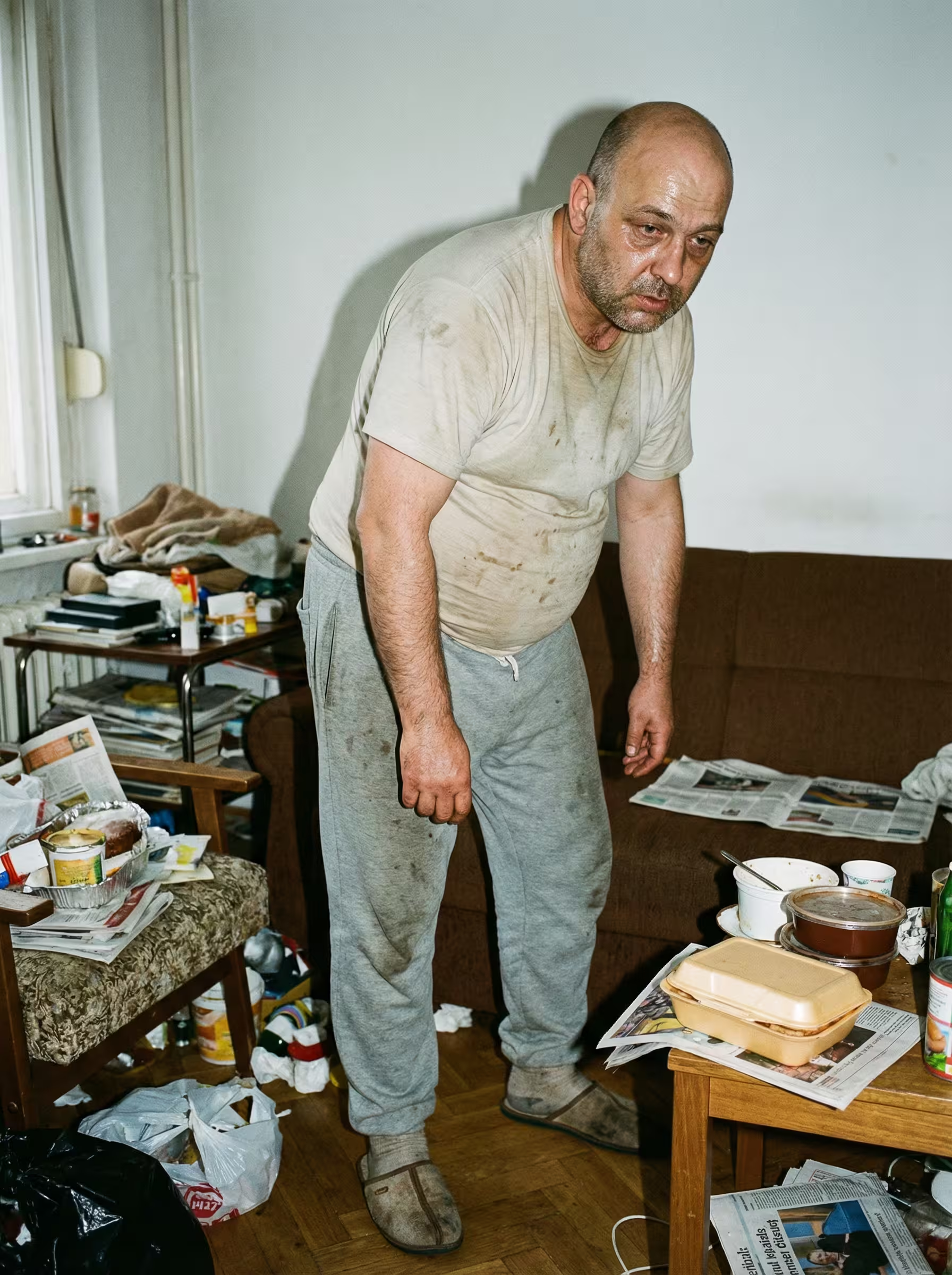 SubjectMotion Ref
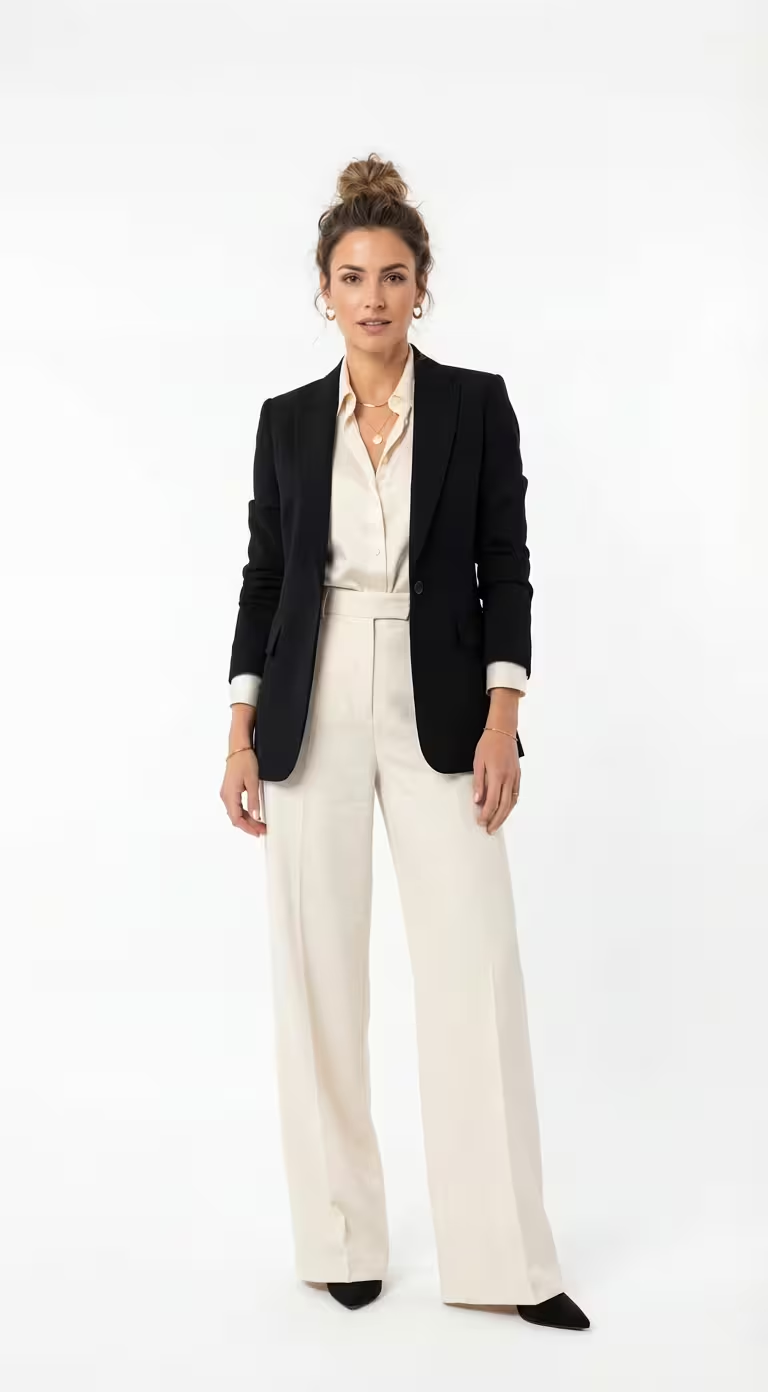 SubjectMotion Ref
Image
Video
Image
Video
Image
Video
Image
Video
Image
Video
Output
AI Generated
AI Generated
AI Generated
AI Generated
AI Generated
Pro 예시 1
Kling 2.6 Motion Control YouTube 동영상
정지 이미지를 애니메이션화하기 위한 Kling 2.6 Motion Control의 강력한 모션 전송 기술을 보여주는 데모와 튜토리얼을 시청하세요
Kling 2.6 Motion Control X의 인기 리뷰
X (Twitter)에서 Kling 2.6 Motion Control에 대해 사람들이 무엇을 말하는지 확인하세요
🎥 Kling 2.6 Motion Control Feature Is Now Live! To celebrate the launch of Kling 2.6 Motion Control Feature, we’re kicking off a new challenge - Kling 2.6 Motion Control Classic Action Scene Challenge, and the prizes are one post away from you! 🔥 Show us your creative power Show more


Kling 2.6 motion control is crazy it can precisely control both body motion and expression.. up to 30 seconds

🚀 Motion Control, Leveled Up Newly upgraded Motion Control is now live in Kling VIDEO 2.6! Experience precise, full control over every action & expression ✅ Full-Body Motions — Body movements captured in stunning detail ✅ Fast & Complex Actions — From martial arts to

Totally agree! The latest Kling 2.6 updates with Motion Control and native audio-visual generation are next-level—super realistic movements and character swaps that blow Runway and WAN 2.2 out of the water Just tried it myself and the precision is insane. Definitely checking out Show more

Honestly impressed by how far @Kling_ai has come. Side-by-side with Runway and WAN 2.2 Animate, Kling AI clearly leaves them in the dust 🤯 You can try the new Kling AI here: → klingai.com

Kling cooked so hard with this new Motion Control. Don't like the way your character moves? Take control of it yourself. With this, motion capture from home is activated. It's fast, it's cheap, it's easy, it works! @Kling_ai
🚀 Motion Control, Leveled Up Newly upgraded Motion Control is now live in Kling VIDEO 2.6! Experience precise, full control over every action & expression ✅ Full-Body Motions — Body movements captured in stunning detail ✅ Fast & Complex Actions — From martial arts to

Motion Control lands on Higgsfield with Kling 2.6. Transfer real motion to any character, from dance and acting to micro-gestures, all in a single smooth shot. One motion video and one face image drive the entire performance. More examples below 👇🏻

Lo dije según lo probé y me pareció que no se le estaba dando la importancia que merecía, pero el Motion Control de Kling 2.6 es una locura de lo bien que funciona! Qué ganas de tener una alternativa con calidad similar open source

This opens up a completely new workflow for artists when it comes to shooting music videos. Take one performance and place it into multiple locations from multiple angles. By combining Kling 2.6 Motion Control with our Multi-Angle Fashion Shoot agent, we generate multiple

kling 2.6 motion control on @higgsfield_ai 🔥🔥

KLING 2.6 MOTION CONTROL is LIVE on Higgsfield. TRY FREE. DAY-0 access. As always. Fast & complex movements finally work in AI video. Full-body sync, expression mapping, 30-second generations. Everyone else is behind. For 9 hours: retweet & reply & like & follow for 249
Kling 2.6 Motion Control이란?
콰이쇼우의 고급 AI 모션 전송 기술
모션전송
2단계품질 옵션
30초최대 길이
오디오보존
Kling 2.6 Motion Control은 참조 비디오에서 정지 이미지로 모션을 전송할 수 있는 전문 AI 모델로 사실적인 애니메이션 결과를 제공합니다.
모션전송
2단계품질 옵션
30초최대 길이
오디오보존
Kling 2.6 Motion Control이란?
콰이쇼우의 고급 AI 모션 전송 기술
Kling 2.6 Motion Control은 참조 비디오에서 정지 이미지로 모션을 전송할 수 있는 전문 AI 모델로 사실적인 애니메이션 결과를 제공합니다.
Kling 2.6 Motion Control 기능
정지 이미지에 전문가급 생동감 넘치는 애니메이션을 입혀주는 강력한 AI 모션 전송 기술을 경험해보세요
모션 전송 기술
고도화된 AI가 참조 비디오에서 모든 움직임 패턴을 정확하게 추출한 뒤 정지 이미지에 그대로 입혀줍니다. 댄스 동작부터 역동적인 액션, 미세한 제스처까지 놓치지 않고 캡처해 전달해 자연스러운 캐릭터 애니메이션을 완성합니다.
이중 참조 입력 시스템
애니메이션을 입힐 캐릭터 이미지와 모션을 가져올 참조 비디오 두 가지를 모두 업로드하세요. AI 모델은 원본 캐릭터의 고유한 외관은 그대로 유지하면서 참조 비디오의 움직임을 정확히 분석해, 캐릭터 정체성과 모션이 자연스럽게 어우러진 결과물을 만들어냅니다.
캐릭터 방향 제어
최종 결과물에서 캐릭터가 원본 이미지의 방향을 따를지, 아니면 참조 비디오의 방향을 따라갈지 직접 선택할 수 있습니다. 이 유연한 제어 덕분에 당신의 창의적 비전이 담긴 포즈와 방향 그대로 완성도 높은 애니메이션을 얻을 수 있습니다.
스탠다드 및 프로 품질 옵션
빠른 생성 속도와 합리적인 비용 효율성이 필요할 땐 스탠다드 품질을, 한 차원 높은 모션 정확도와 뛰어난 시각적 충실도가 필요할 땐 프로 품질을 선택하세요. 두 옵션 모두 부드럽고 전문가급 품질의 애니메이션을 안정적으로 제공합니다.
확장된 비디오 길이
최대 30초 길이의 애니메이션 비디오를 생성할 수 있어, 통상적인 AI 비디오 생성기로는 만들기 어려웠던 완전한 댄스 루틴, 긴 액션 시퀀스, 복잡한 모션 퍼포먼스까지 자유롭게 구현할 수 있습니다.
원본 오디오 보존
참조 비디오에 담긴 원본 오디오를 생성된 최종 출력에서 그대로 유지할 수 있습니다. 댄스 비디오의 배경 음악부터 리듬, 효과음까지 그대로 전달되어 깨끗하고 완성도 높은 시청각 경험을 유지할 수 있습니다.
프롬프트 향상 지원
원하는 결과를 안내하기 위해 선택적으로 텍스트 프롬프트를 추가할 수 있습니다. 포함하고 싶은 구체적인 세부 사항이나 수정할 부분을 직접 설명할 수 있어, 최종 출력에 더 세밀한 창의적 제어를 가할 수 있습니다.
다중 포맷 호환성
널리 사용되는 이미지 포맷(PNG, JPEG)과 비디오 포맷(MP4, MOV)을 모두 지원해 작업 워크플로우에 최대한의 유연성을 더합니다. 별도로 포맷을 변환할 필요 없이 가지고 있는 기존 콘텐츠를 바로 업로드해서 사용할 수 있습니다.
네거티브 프롬프트 제어
네거티브 프롬프트를 사용해 생성된 비디오에 원치 않는 요소가 등장하는 것을 막을 수 있습니다. 빼고 싶은 요소를 직접 지정해서 최종 결과물을 훨씬 더 정밀하게 제어할 수 있습니다.
사실적인 모션 물리
AI가 자연스러운 신체 역학과 물리 법칙을 깊이 이해하고 있기 때문에, 전송된 모션이 적절한 무게 배분, 운동량, 타이밍을 따라 실제처럼 믿을 수 있는 움직임으로 구현됩니다.
Kling 2.6 Motion Control 자주 묻는 질문
더 궁금한 점이 있으신가요?
스탠다드 버전은 생성 속도가 더 빠르고 크레딧 사용량이 적어 아이디어 테스트와 빠른 반복 작업에 적합합니다. 프로 버전은 더 높은 시각적 품질, 정확한 모션 전송, 부드러운 애니메이션을 제공합니다. 스탠다드는 3초, 6초, 10초, 30초 길이를 지원하고 프로는 5초, 10초, 15초, 30초 길이를 지원합니다.
조명이 적절하고 피사체가 선명하며 전신 움직임이 모두 보이는 비디오가 가장 좋습니다. 댄스 비디오, 피트니스 루틴, 액션 클립, 제스처 시연 모두 뛰어난 결과를 얻을 수 있습니다. 최적의 모션 추출을 위해 여러 사람이 포함된 비디오, 카메라가 빠르게 움직이는 비디오, 피사체가 많이 가려진 비디오는 피하는 것이 좋습니다.
캐릭터 방향은 출력되는 캐릭터가 원본 이미지와 같은 방향을 유지할지, 참조 비디오의 방향을 따를지 결정합니다. 캐릭터의 원래 방향을 유지하려면 '이미지'를 선택하고 참조 비디오의 방향과 맞추려면 '비디오'를 선택하세요.
네, '원본 사운드 유지' 옵션을 사용하면 생성된 출력 비디오에 모션 참조 비디오의 오디오가 그대로 보존됩니다. 캐릭터가 음악에 맞춰 움직여야 하는 댄스 비디오에 완벽하며, 생성 전에 이 옵션만 활성화하면 됩니다.
이미지는 PNG와 JPEG 포맷을 지원하며 최대 파일 크기는 10MB입니다. 모션 참조 비디오는 MP4와 MOV 포맷을 지원하며 이 역시 최대 크기가 10MB입니다. 생성되는 비디오의 길이는 업로드한 참조 비디오의 길이에 따라 달라집니다.
크레딧은 선택한 버전과 비디오 길이에 따라 계산됩니다. 스탠다드 버전: 3초 21크레딧, 6초 42크레딧, 10초 70크레딧, 30초 210크레딧. 프로 버전: 5초 56크레딧, 10초 112크레딧, 15초 168크레딧, 30초 336크레딧. 실제 출력 길이는 참조 비디오의 길이와 일치합니다.
Kling 2.6 Motion Control 사용 가이드
Kling 2.6 Motion Control로 참조 비디오의 모션을 전송해 정지 이미지를 전문가 수준 품질로 애니메이션화할 수 있습니다
1
참조 이미지 업로드2
모션 참조 비디오 업로드3
설정 구성 및 생성애니메이션화하려는 고품질 캐릭터 이미지를 선택하세요. 최상의 결과를 위해 이미지는 피사체가 명확하고 조명과 해상도가 좋아야 합니다. 초상화, 전신 샷, 캐릭터 일러스트 모두 가장 좋은 결과를 보여줍니다. 모델이 캐릭터를 추출하고 원본 이미지의 시각적 세부 정보를 유지하면서 모션을 적용합니다.